
🌄 elevatr: A Python package to simplify downloading and processing elevation data.




Accessing high-resolution elevation data can be daunting due to inconsistent formats, unreliable sources, and labor-intensive workflows. elevatr eliminates these hurdles, offering a seamless way to access, visualize, and export elevation data in just a few lines of code.
Summary
🔍 Introduction
Elevation data is crucial for various applications, from environmental studies and urban planning to 3D terrain visualizations and flood risk assessments. Despite its abundance, accessing and processing this data often involves complex workflows and resource-intensive tools.
elevatr simplifies this process by providing an intuitive interface to download and process elevation data from multiple high-quality global sources. Its user-friendly API allows for effortless visualization, analysis, and export of elevation data, even for those with minimal geospatial expertise.
🚩 Challenges
Elevation data is dispersed across various platforms, each with different levels of detail, formats, and accessibility restrictions. Integrating these datasets into a single workflow is time-consuming and error-prone. The elevatr package consolidates 13 different sources of elevation data from AWS terrain tiles to provide the best data quality for each location on Earth.
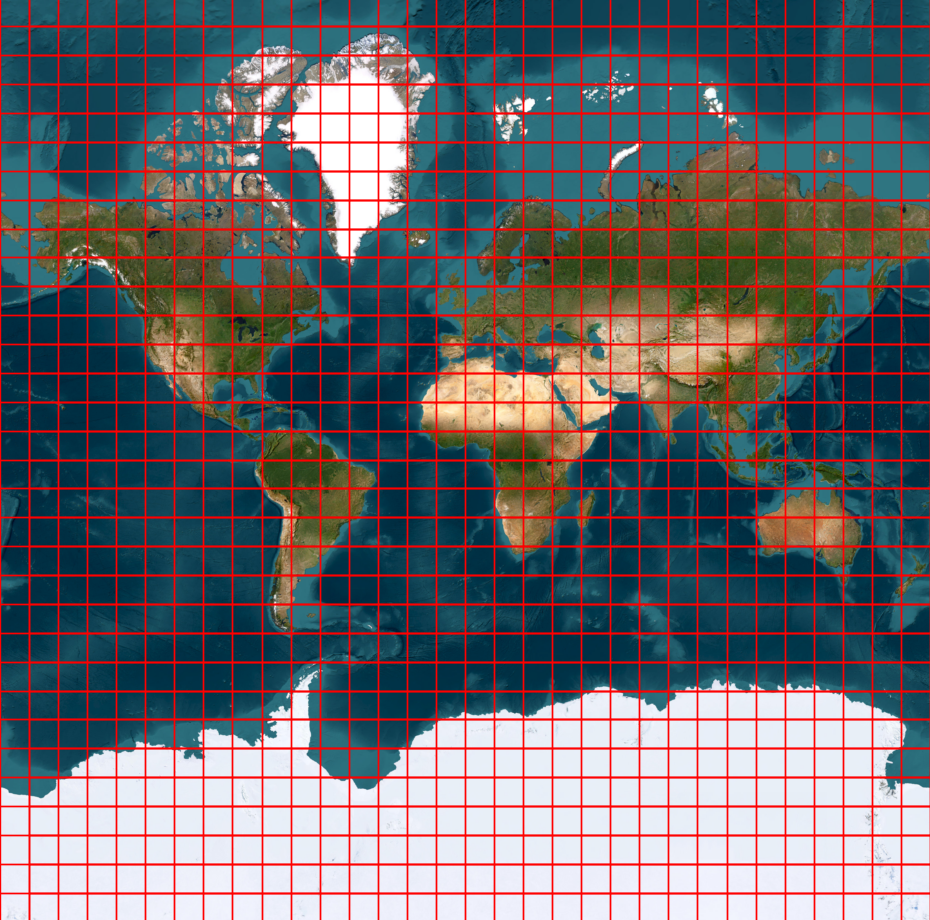
Initially, the data is stored on the web as tiles, with the size depending on the required resolution, ranging from 0 to 14 (0 is 80km per pixel, 14 is about 4m per pixel). elevatr fetches theses tiles and merges them to create a single raster that can be visualized, analyzed, and exported.
🚀 Workflow
Accessing high-resolution data can be challenging. elevatr enables users to access the data for their desired location by simply providing the bounding box of the area and the required resolution.
Downloading Elevation Data
import elevatr as elv

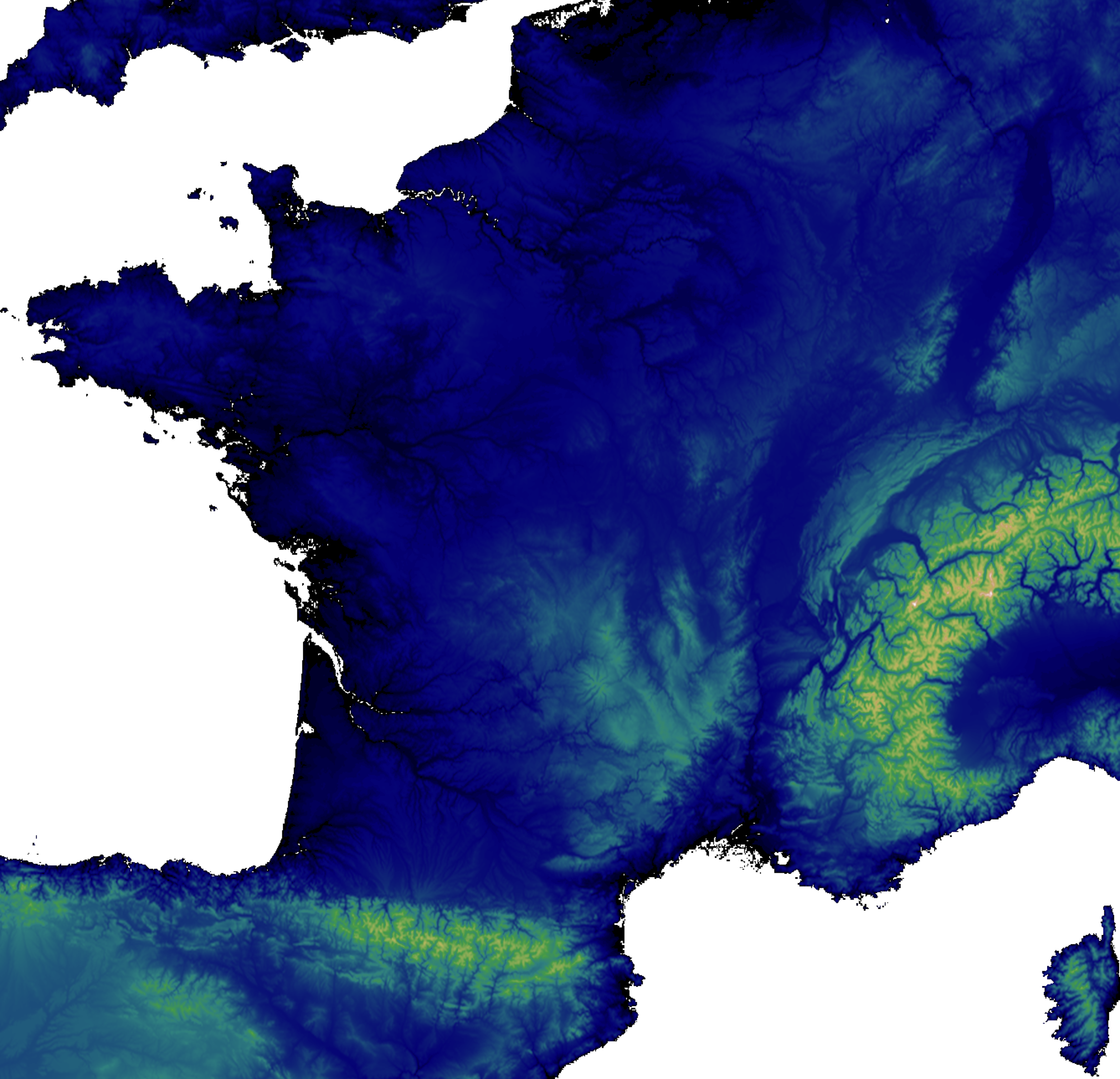
bbx = (-5.14, 41.33, 9.56, 51.09) # France bounding box
zoom = 6

raster = elv.get_elev_raster(locations=bbx, zoom=zoom)
Showing the elevation data:
raster.show(cmap='gist_earth', clip_zero=True, show_extras=False)
Exporting the elevation data:
raster.to_tif('elevation.tif')
Showing metadata:
raster.resolution
>>> {'x': 1224.8882616638757, 'y': 1224.8882616638757, 'unit': 'metre'}

raster.imagery_sources
>>> 'etopo1, gmted'
🛠️ Development Practices


In addition to providing a powerful tool for accessing and processing elevation data, elevatr is developed with a strong emphasis on best programming practices to ensure code quality, maintainability, and reliability. Here are some of the practices I follow:
- Code Style: I use
blackandflake8to ensure the code adheres to PEP8 standards. - Pre-commit Hooks: I use
pre-committo automatically check code style and run tests before each commit. - Continuous Integration/Continuous Deployment (CI/CD): I have a CI/CD pipeline that runs tests on every push and builds and publishes the package to PyPI on every tag if the tests pass.
- Test Coverage: I use codecov to measure and report on test coverage to ensure that the code is well-tested.
- Automated Documentation: I use
sphinxto generate automatic documentation for the project andReadTheDocsto host it.
These practices help me maintain a high standard of code quality and ensure that elevatr remains a reliable tool for users.
✅ Conclusion
elevatr empowers users to harness the full potential of elevation data with minimal effort. Whether you’re a researcher, developer, or analyst, this package is your gateway to efficient and accessible elevation workflows. Check it out on GitHub to get started!
GitHub @titouanlegourrierec · Email titouanlegourrierec@icloud.com